Painted cabinets
Existing boxes, doors, and drawer fronts
Compare renovation styles in the same room and camera angle. Get an estimated cost range for every visible change.
Your first 3 credits are free. No card is required.
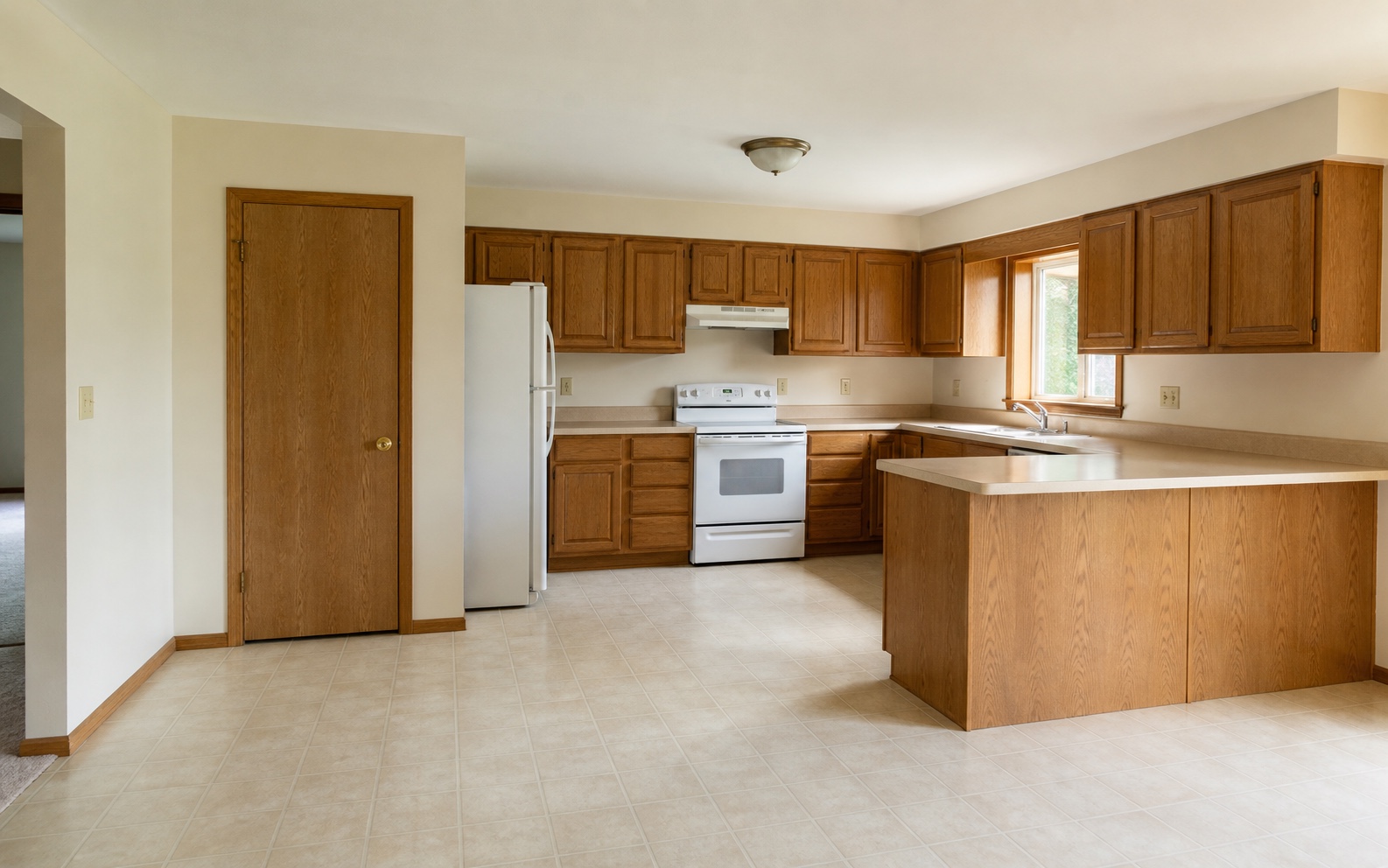
Drag to compare five renovation directions.
Three steps, and your photo stays beside the result as the before image.
Add one room photo, or several angles of the same room. RenoLuma can sort a batch of photos into spaces for you.
Choose a style direction or describe your own. Mark the layout, the appliances, or the cabinets you want left alone.
The render arrives beside your photo, with a cost range for each visible change.

Start with one of 18 presets or describe your own.
Warm modern
Natural oak, soft whites, honed stone, layered warm lighting.
Modern minimalist
Restrained palette, clean lines, almost no clutter.
Organic modern
Plaster, stone, plants, softly rounded forms.
Mid-century modern
Walnut, tapered legs, retro silhouettes, atomic accents.
Scandinavian
Light woods, white walls, simple lines, airy and bright.
Japandi
Low contrast, hand-finished, calm.
Quiet luxury
Restrained, durable, high-end materials done quietly.
Classic transitional
Shaker cabinets, polished hardware, balanced symmetry.
Traditional
Formal moldings, antique tones, refined upholstery.
Restored character
Age-aware updates that keep original character intact.
Coastal classic
Coastal brightness without nautical cliches.
Modern farmhouse
White boards, mixed metals, modern lines, farm warmth.
Industrial
Exposed brick, blackened steel, salvaged wood, raw edges.
Boho
Layered textiles, plants, vintage finds, expressive color.
Warm collected
Neutral layers, antique woods, aged brass, soft linen.
Collected eclectic
Layered color, pattern, collected furniture, texture mix.
Rental-friendly
Reversible upgrades, peel-and-stick, no construction.
Budget refresh
High-impact finish swaps, no layout changes, low spend.
Each dot opens the materials, the labor, and a total for that change. “Cost avoided” means that part of the room stayed in place.
Backsplash
Wall behind the sink and range
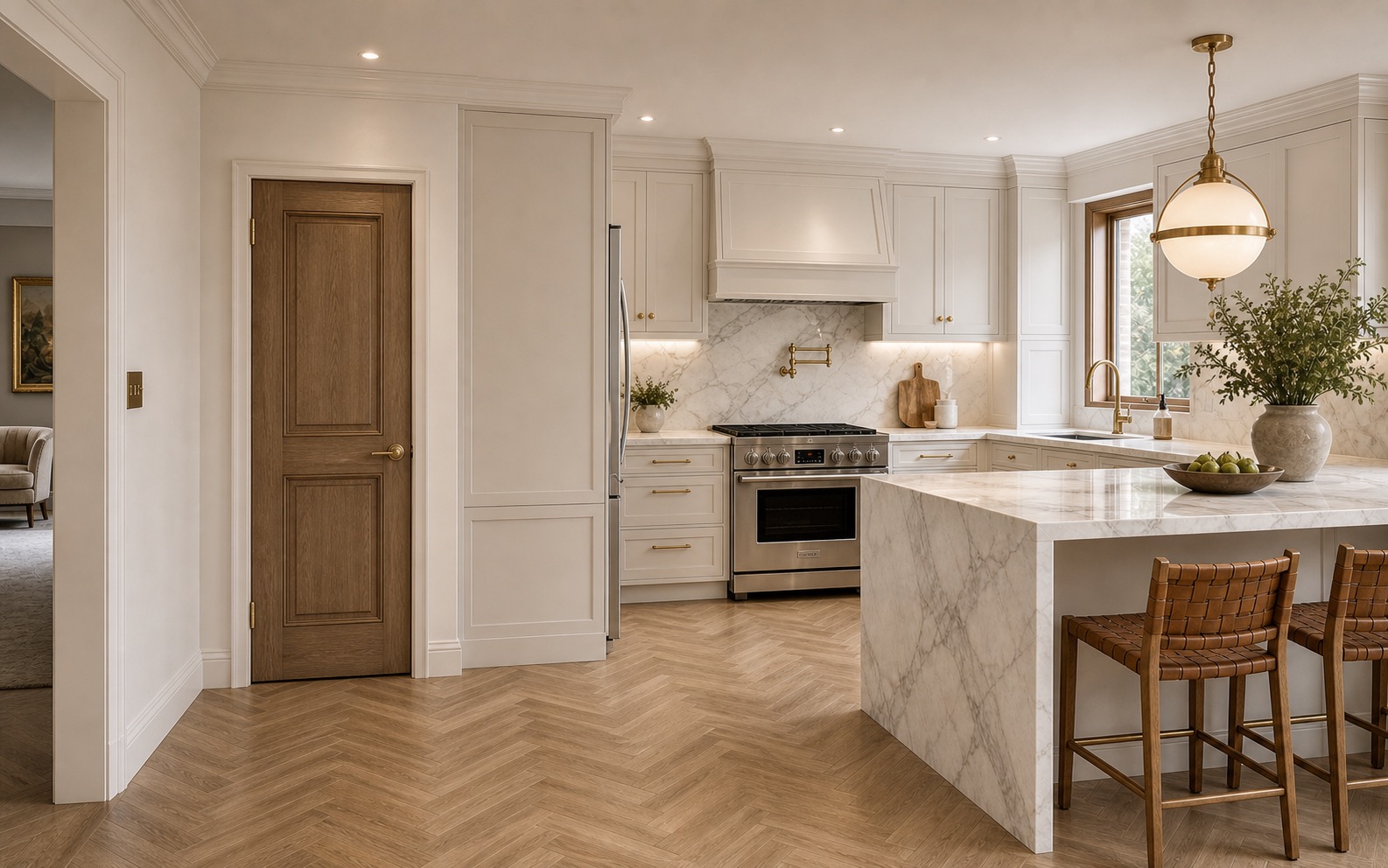
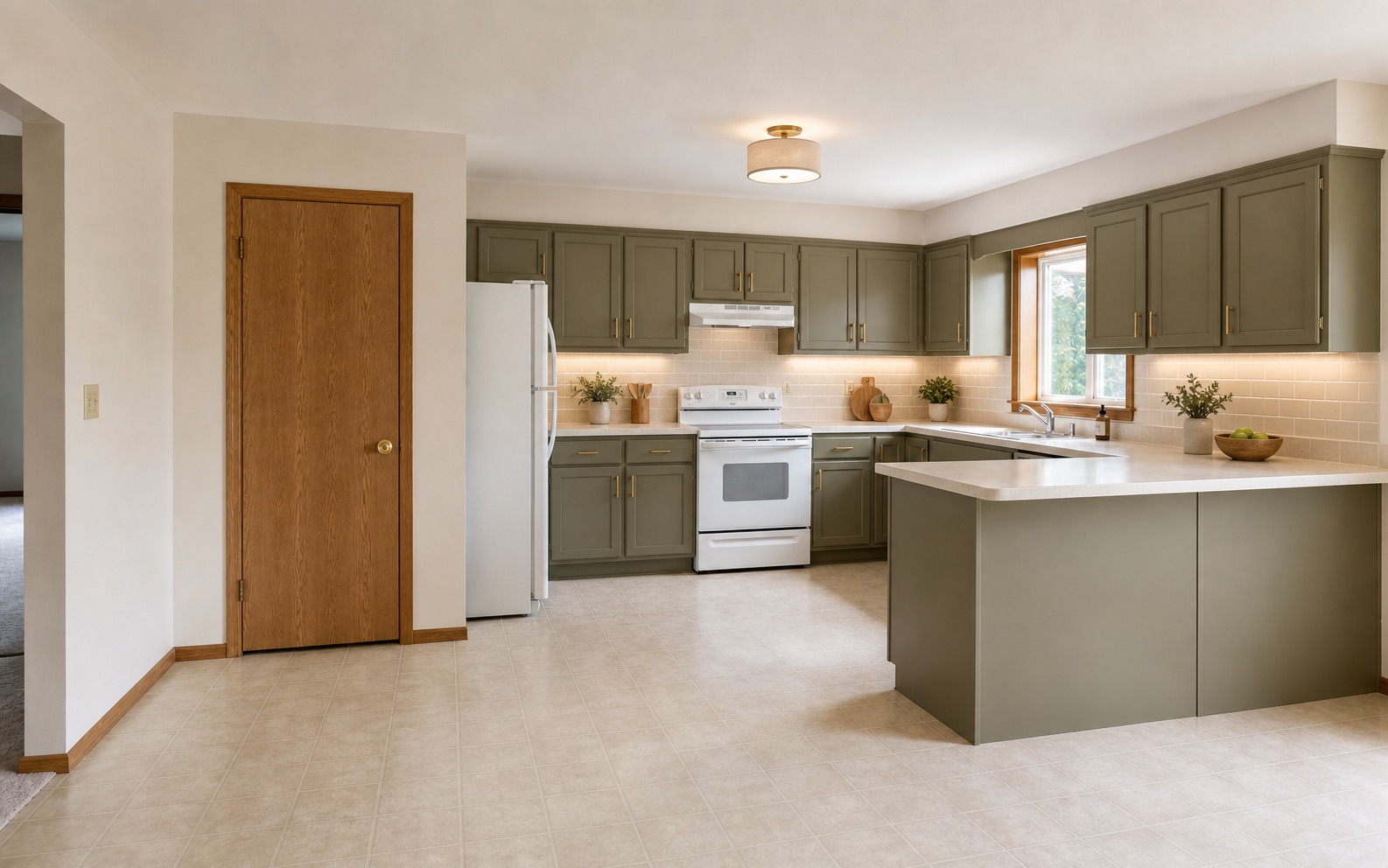
Everything above is one kitchen. The steps for an exterior or a living room are the same: one photo, one style, and a cost for every visible change.
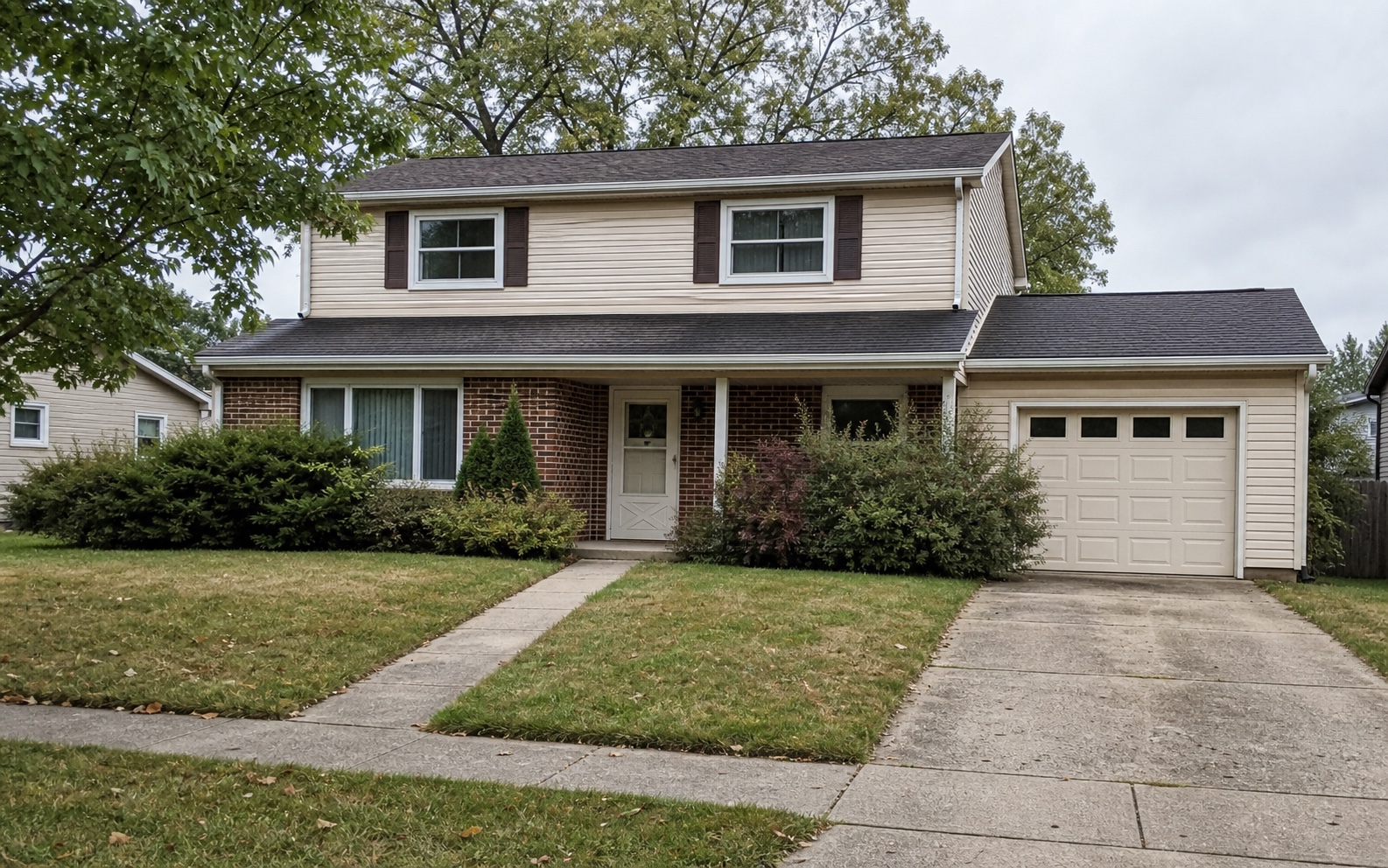
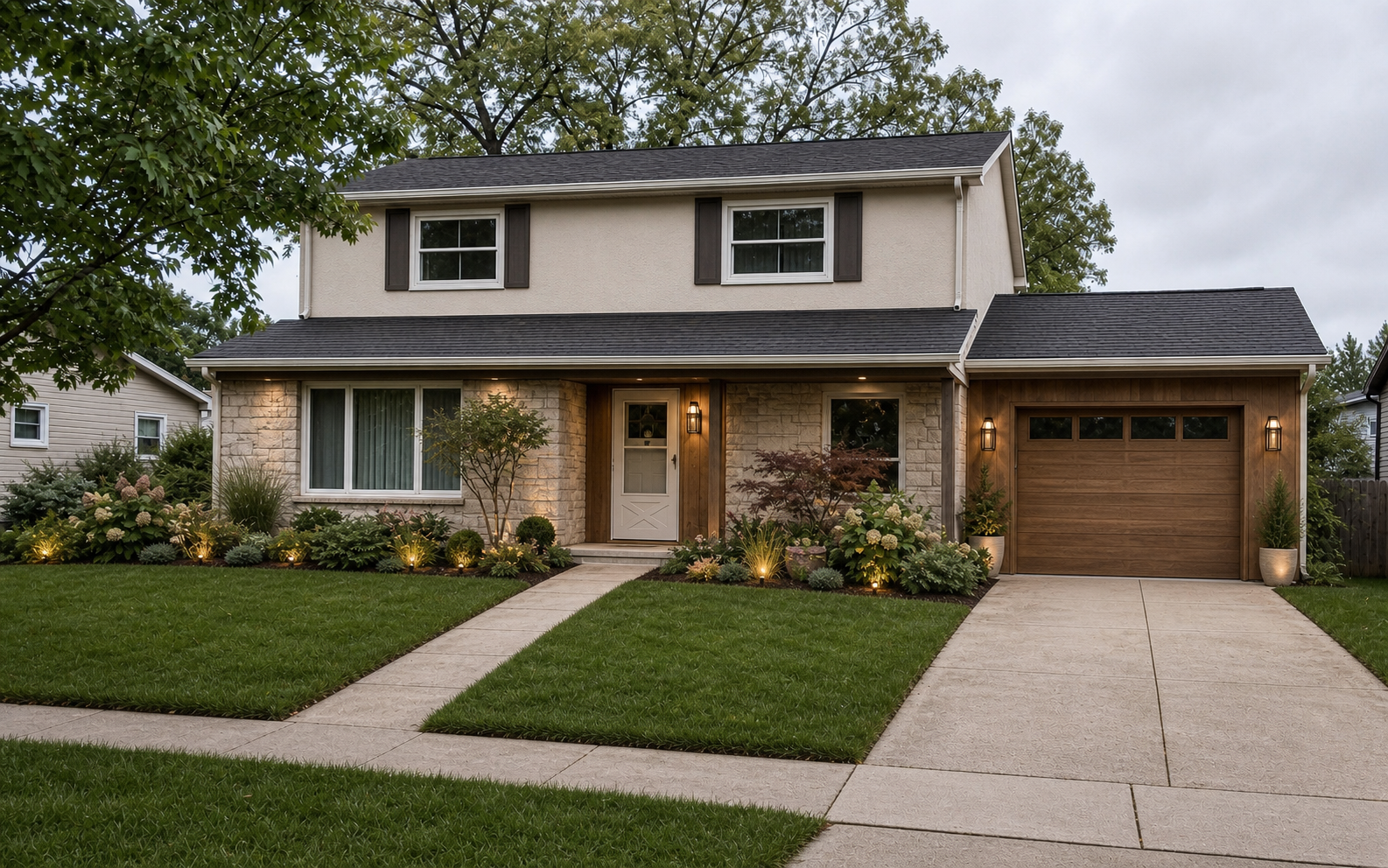
Siding, the front door, the walkway, and the planting change. The roofline, the openings, and the driveway stay where they are.
See exterior renovations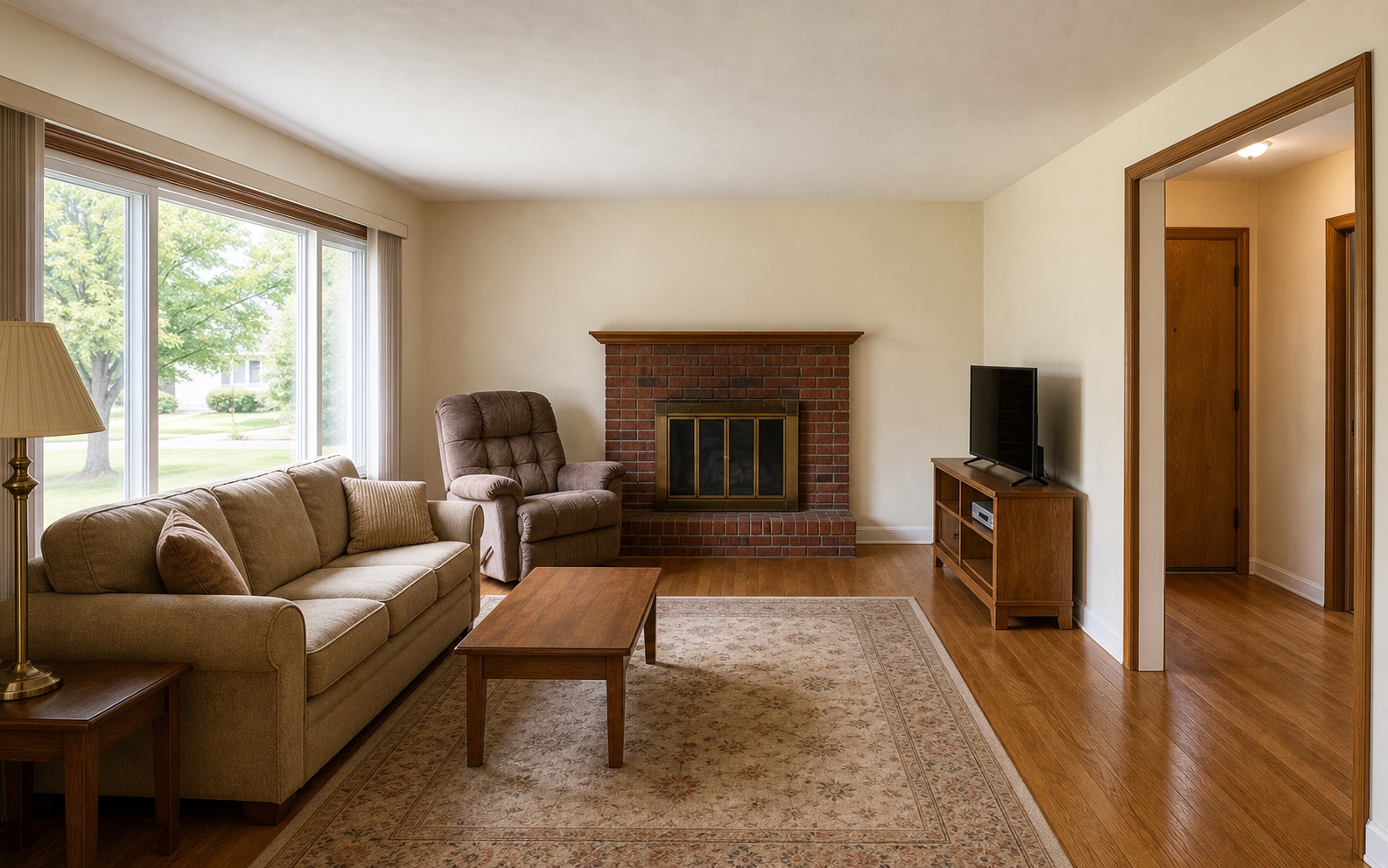
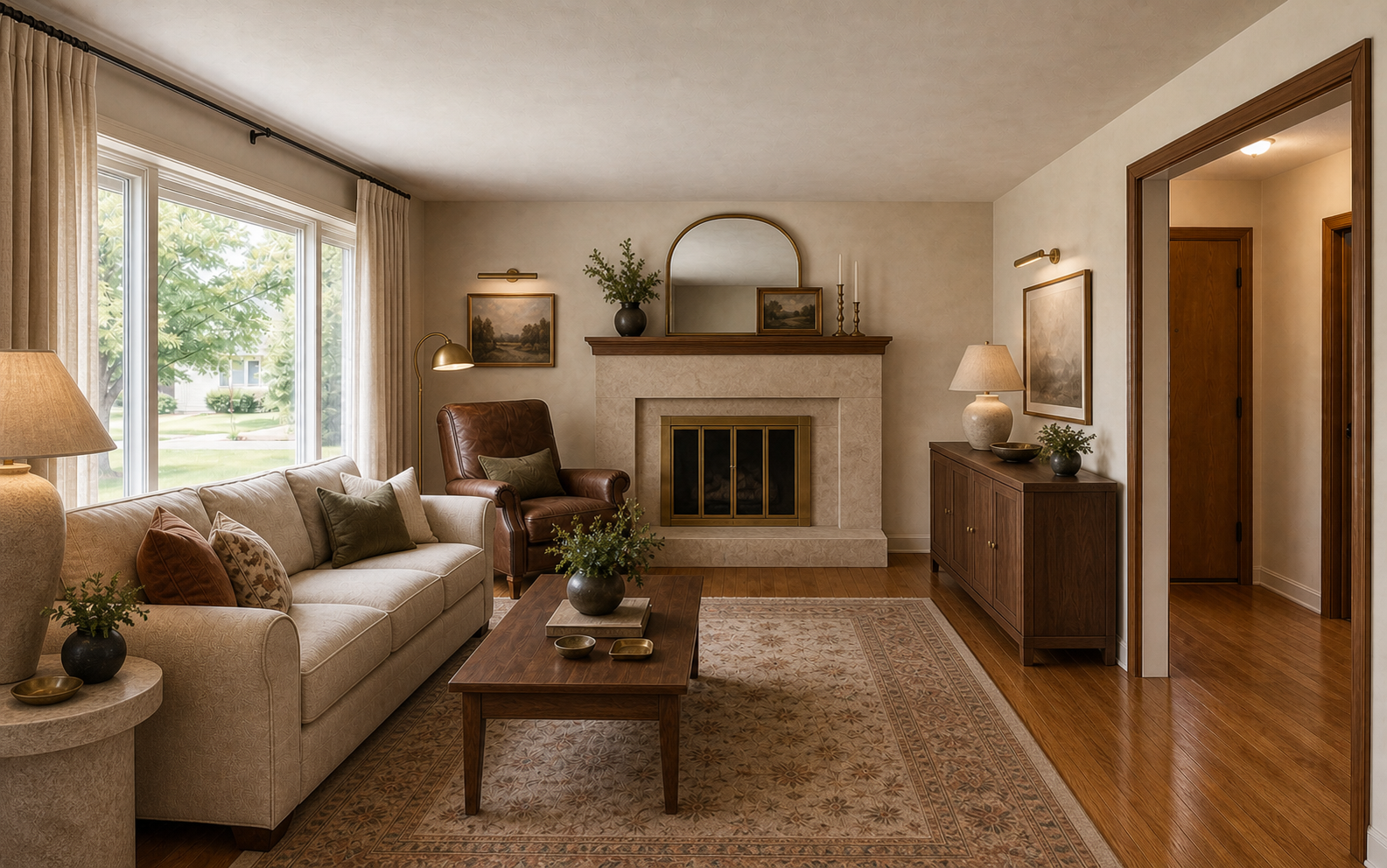
The fireplace, the walls, and the lighting change. The windows and the hardwood floor are the same ones in the before photo.
See living room renovations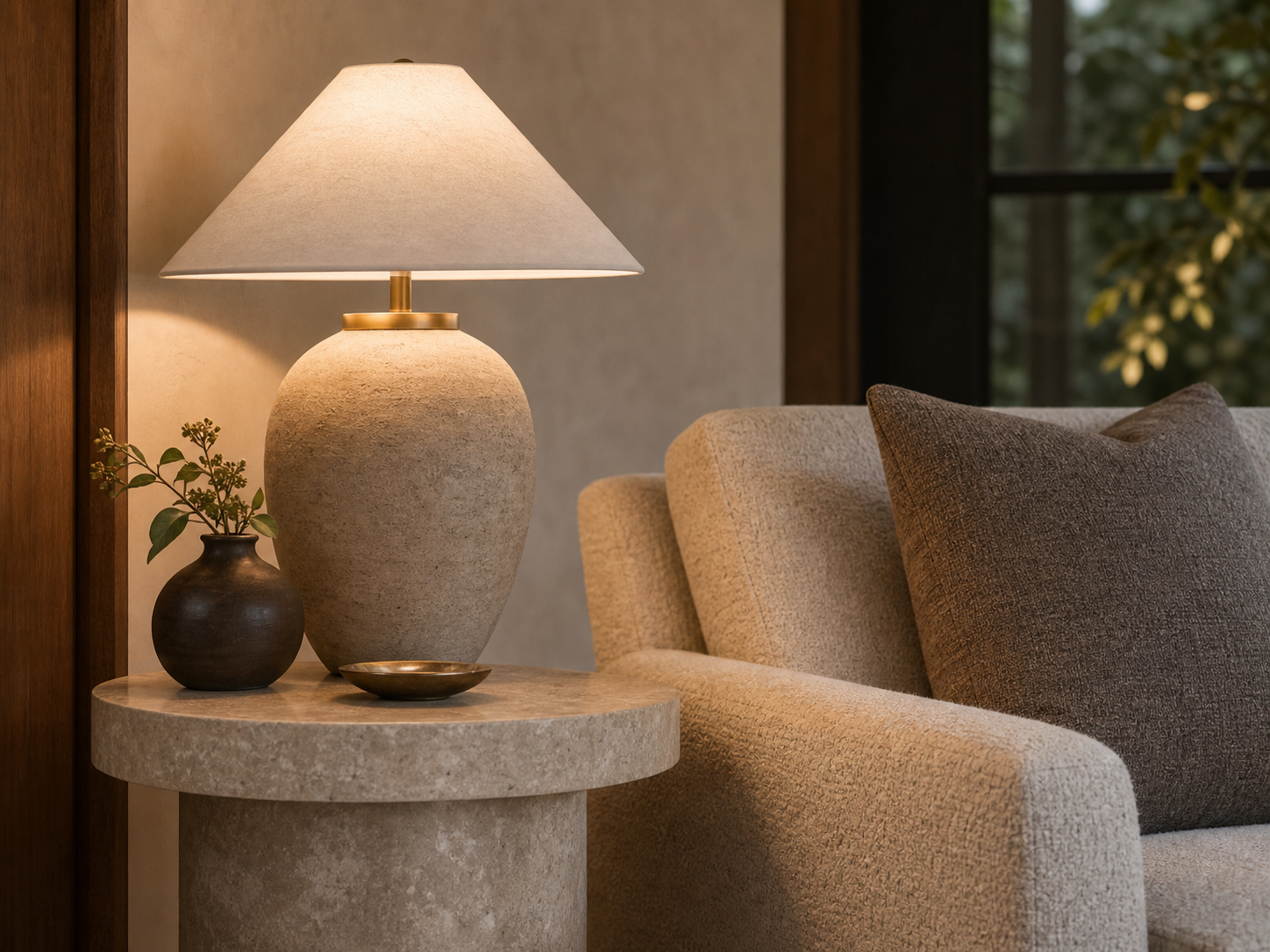
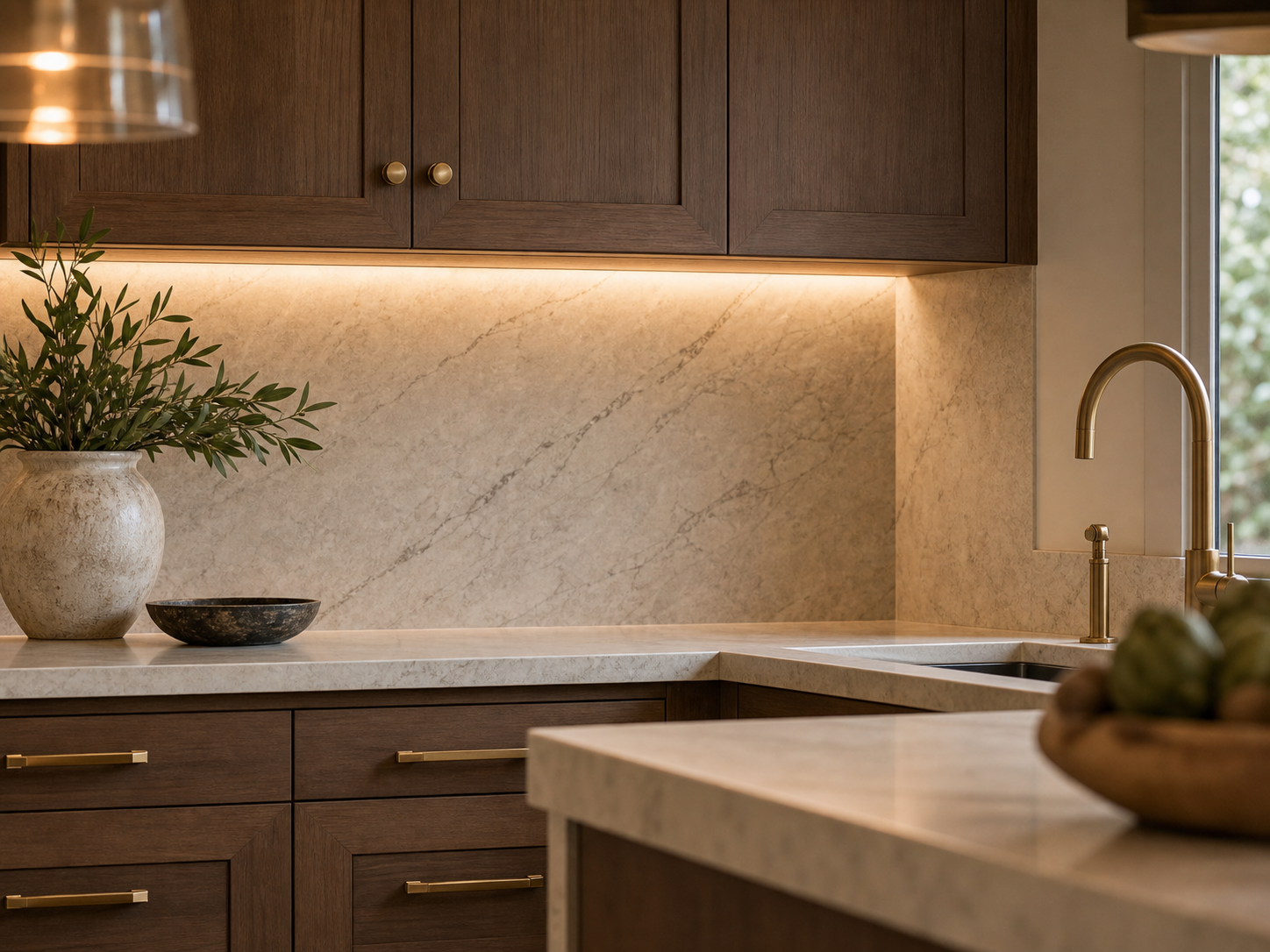
These are two RenoLuma renders up close, one living room and one kitchen. The wood grain, the stone, and the hardware are there when you look.
See a kitchen up closeA completed render uses one credit. Buy more in one-time packs when you need them.
$10
15 credits$0.67 per credit
Compare a few directions in one room and refine one area.
$25
40 credits$0.63 per credit
Compare directions across a few rooms and refine the one you keep.
$50
85 credits$0.59 per credit
For several rooms or one direction carried through a whole house.
Your first 3 credits are free. No card is required.